from the demonstration video on navigating the outlook interface, which of the following is true? check all…
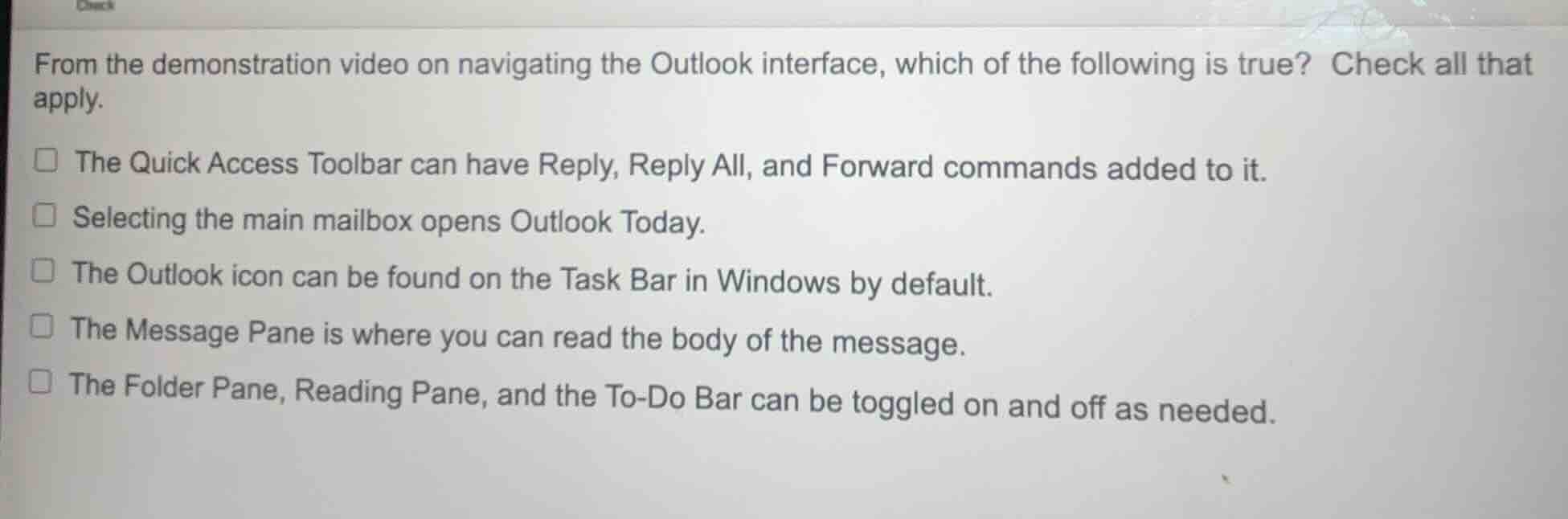
from the demonstration video on navigating the outlook interface, which of the following is true? check all that apply.\nthe quick access toolbar can have reply, reply all, and forward commands added to it.\nselecting the main mailbox opens outlook today.\nthe outlook icon can be found on the task bar in windows by default.\nthe message pane is where you can read the body of the message.\nthe folder pane, reading pane, and the to-do bar can be toggled on and off as needed.
Answer
Answer:
- ✅ The Quick Access Toolbar can have Reply, Reply All, and Forward commands added to it.
- ✅ The Message Pane is where you can read the body of the message.
- ✅ The Folder Pane, Reading Pane, and the To-Do Bar can be toggled on and off as needed.
Brief Explanations:
- The Quick Access Toolbar in Outlook is customizable, so core email actions like Reply, Reply All, and Forward can be added to it for quick access.
- The Message (or Reading) Pane is specifically designed to display the full content of selected emails.
- Outlook's interface is flexible: users can toggle the visibility of the Folder Pane, Reading Pane, and To-Do Bar via view settings to suit their workflow.
- Selecting the main mailbox displays its contents, not Outlook Today (a separate dashboard view).
- The Outlook icon is not on the Windows Task Bar by default; it must be pinned manually after installation.