which of the following will you select as x in the series of clicks to highlight the top 10 items in a range…
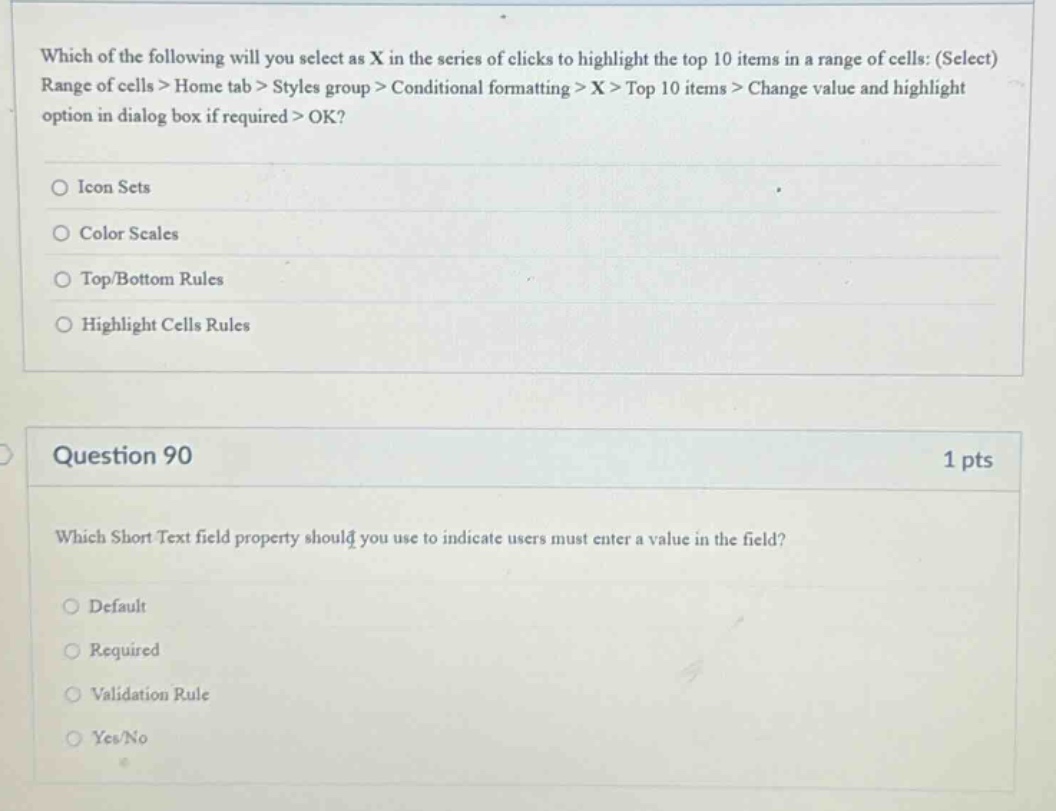
which of the following will you select as x in the series of clicks to highlight the top 10 items in a range of cells: (select) range of cells > home tab > styles group > conditional formatting > x > top 10 items > change value and highlight option in dialog box if required > ok?\n\nicon sets\n\ncolor scales\n\ntop/bottom rules\n\nhighlight cells rules\n\nquestion 90\n1 pts\nwhich short text field property should you use to indicate users must enter a value in the field?\n\ndefault\n\nrequired\n\nvalidation rule\n\nyes/no
Answer
Brief Explanations:
For the first question, in spreadsheet software like Excel, when using conditional formatting to highlight the top 10 items, the correct option under Conditional formatting is Top/Bottom Rules. For the second question, the Required property in a Short Text field indicates that users must enter a value in the field.
Answer:
First question: C. Top/Bottom Rules Second question: B. Required