read the spreadsheet formula below, then answer the question. cell b5=a5*2 if this formula is filled into…
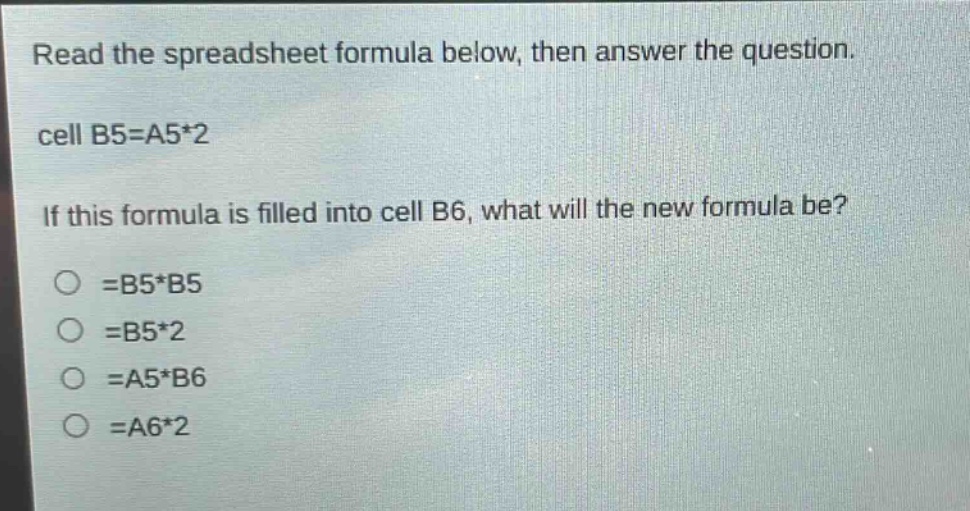
read the spreadsheet formula below, then answer the question. cell b5=a5*2 if this formula is filled into cell b6, what will the new formula be? =b5*b5 =b5*2 =a5*b6 =a6*2
Answer
Answer:
=A6*2
Explanation:
Step1: Understand cell - reference behavior
In spreadsheet, when a formula is filled down, row references change relative to the new cell position.
Step2: Analyze original formula
The original formula in B5 is =A5*2.
Step3: Determine new formula for B6
When filled to B6, the row number in the cell reference for A will increase by 1 (from 5 to 6), resulting in =A6*2.