select the correct answer.\nmyles is working on a project that requires him to manage a huge amount of data…
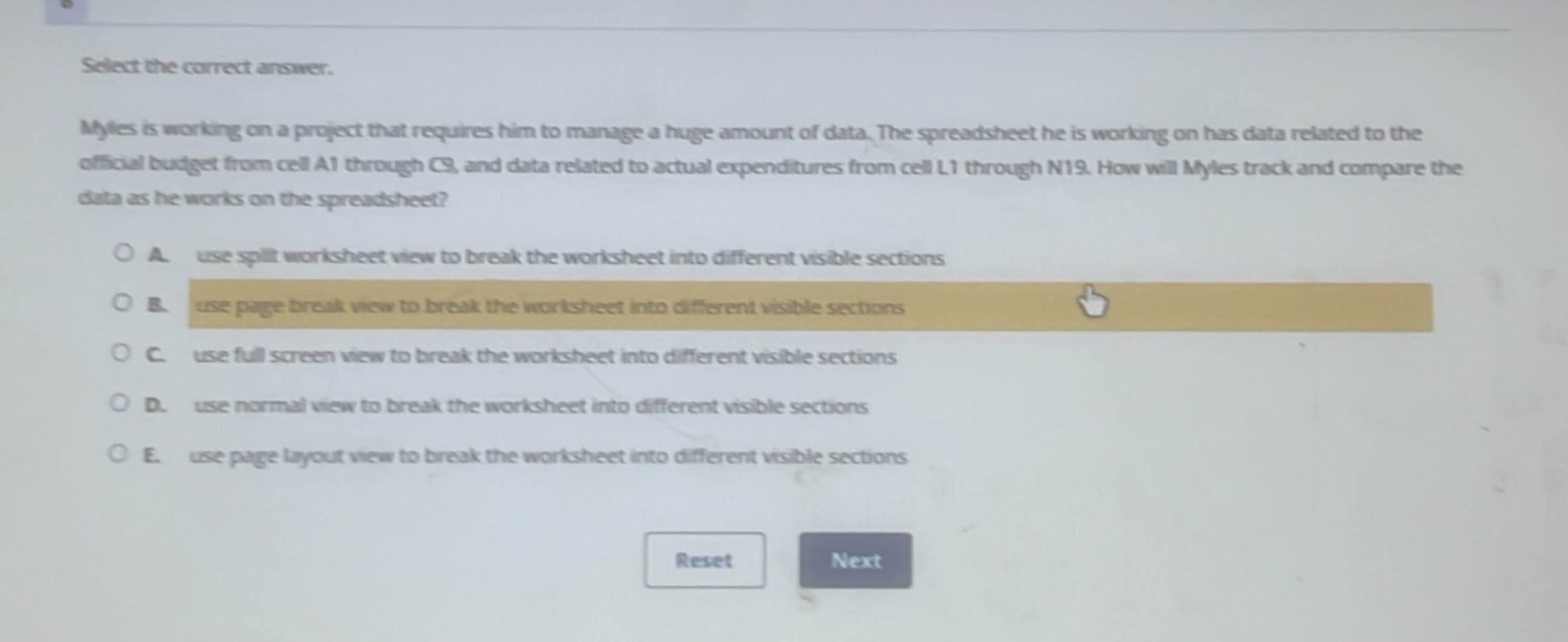
select the correct answer.\nmyles is working on a project that requires him to manage a huge amount of data. the spreadsheet he is working on has data related to the official budget from cell a1 through c9, and data related to actual expenditures from cell l1 through n19. how will myles track and compare the data as he works on the spreadsheet?\n\na. use split worksheet view to break the worksheet into different visible sections\nb. use page break view to break the worksheet into different visible sections\nc. use full screen view to break the worksheet into different visible sections\nd. use normal view to break the worksheet into different visible sections\ne. use page layout view to break the worksheet into different visible sections
Answer
Brief Explanations:
The split worksheet view allows users to break a worksheet into different visible sections, which is useful for tracking and comparing data in different parts of the spreadsheet. Page - break view shows where pages will break when printed, full - screen view just maximizes the screen space, normal view is the standard view without splitting, and page layout view is for formatting the print layout.
Answer:
A. use split worksheet view to break the worksheet into different visible sections