for security reasons, its advisable to lock your computer when you step away.\nwhich commands would you use…
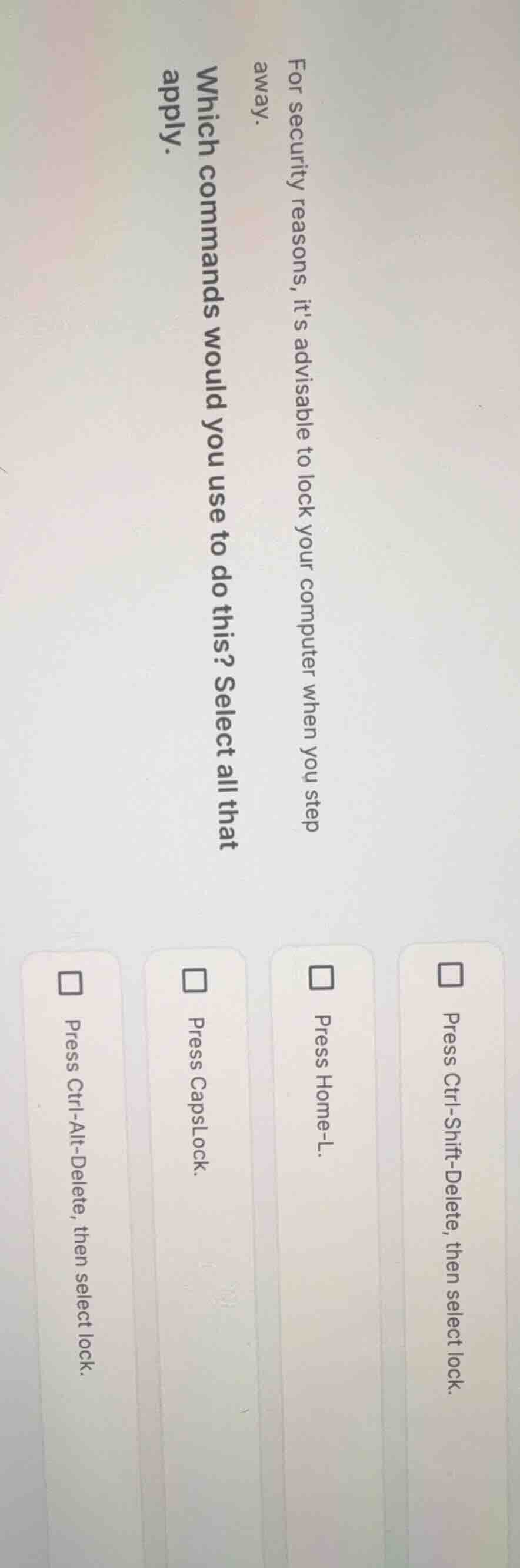
for security reasons, its advisable to lock your computer when you step away.\nwhich commands would you use to do this? select all that apply.\n□ press ctrl-shift-delete, then select lock.\n□ press home-l.\n□ press capslock.\n□ press ctrl-alt-delete, then select lock.
Answer
Brief Explanations:
CapsLock only toggles capitalization and does not lock the computer. Ctrl-Shift-Delete is typically used for clearing browser data, not system locking. Home-L is not a standard computer lock command. Ctrl-Alt-Delete brings up the security options menu on Windows systems, which includes the lock function.
Answer:
- Press Ctrl-Alt-Delete, then select lock.